Automate Any Application.
From modern web platforms to desktop, virtual, and legacy systems — using intelligent UI interactions, scripting, and operating system controls.
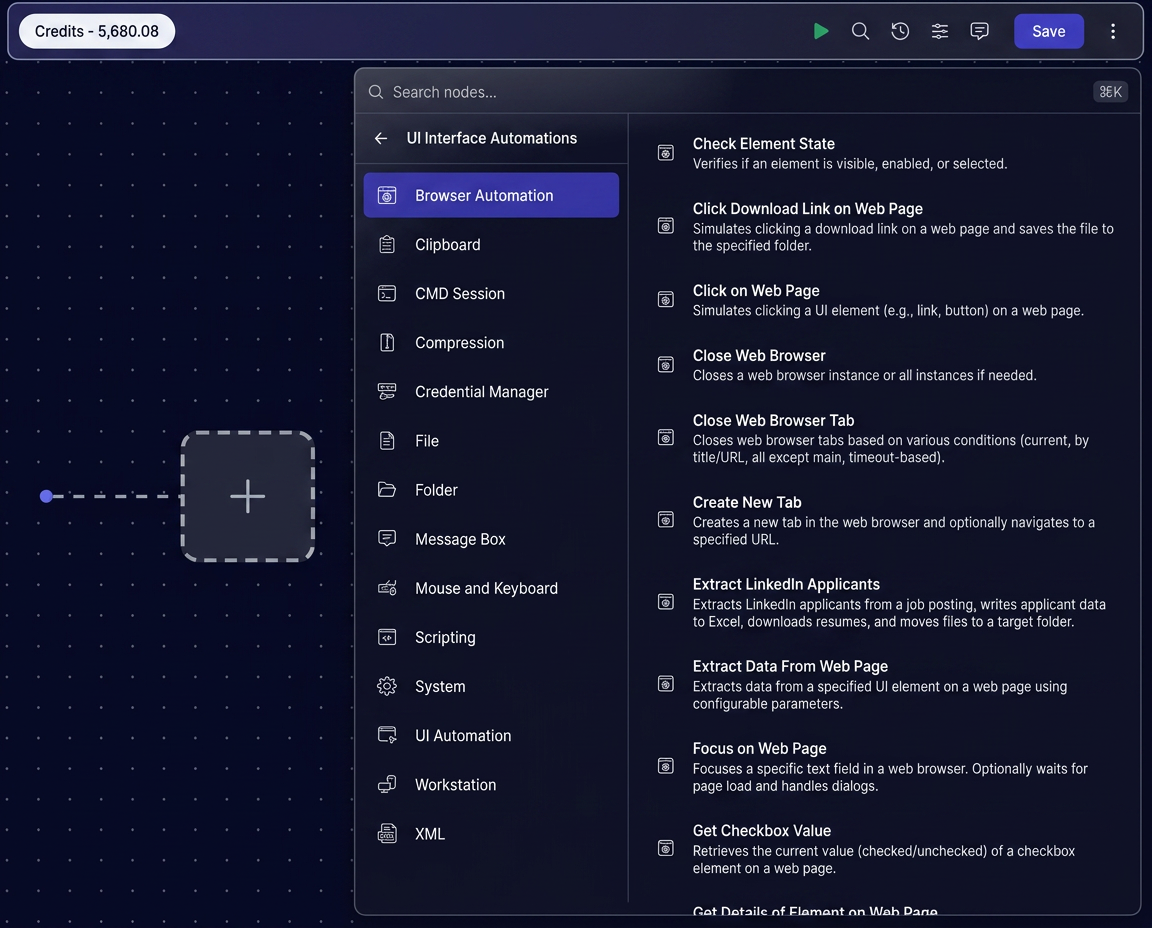
Browser Automation
Automate web applications with intelligent interactions, form filling, navigation, downloads, uploads, and data extraction. Interact with any web-based system without relying on brittle selectors.
- Intelligent form filling and navigation across web apps
- Automated downloads, uploads, and data extraction
- Works with modern SPAs, legacy portals, and internal tools
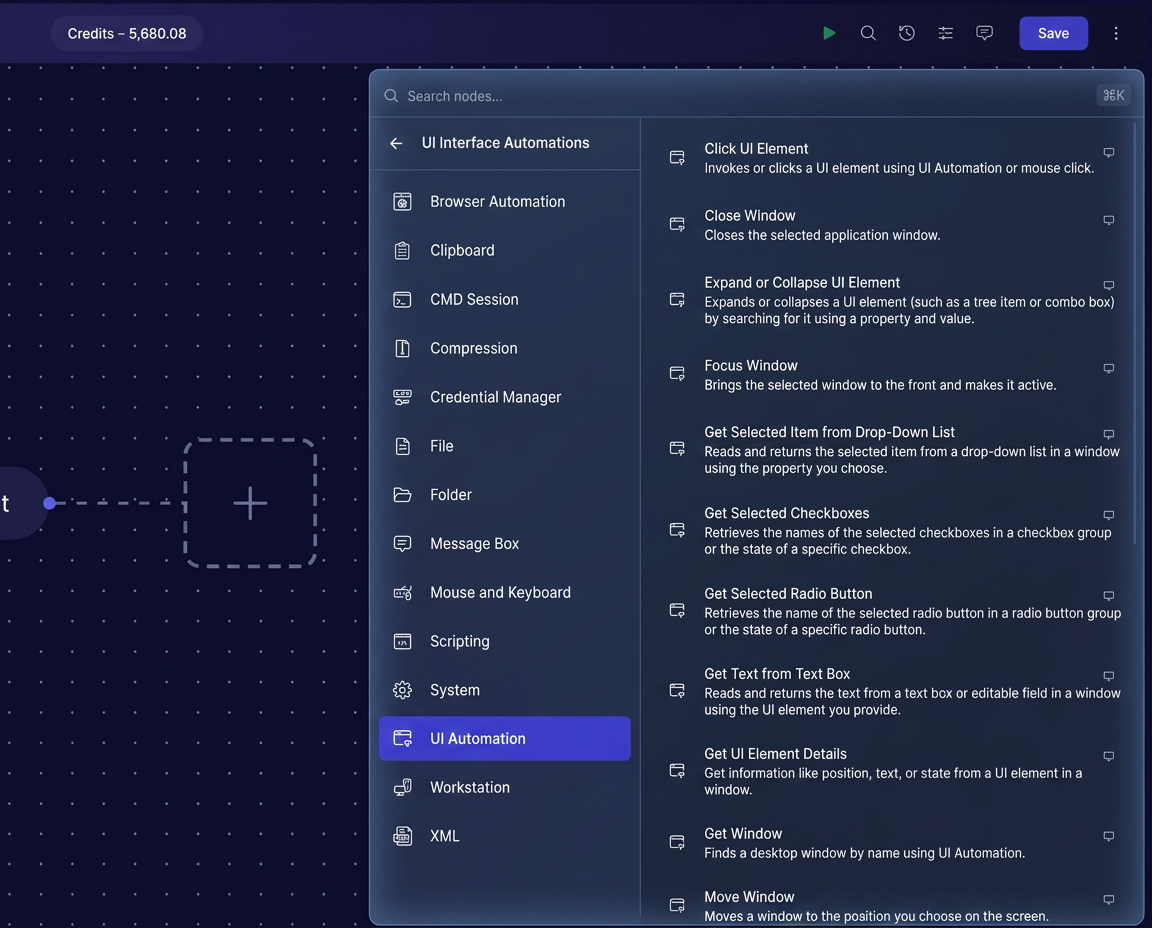
UI / Screen Automation
Automate desktop and legacy applications through screen-based interactions, image recognition, and UI element detection. Connect systems that have no APIs or modern integration points.
- Image recognition and UI element detection
- Automate virtual and legacy desktop applications
- No APIs required — interact with the UI directly
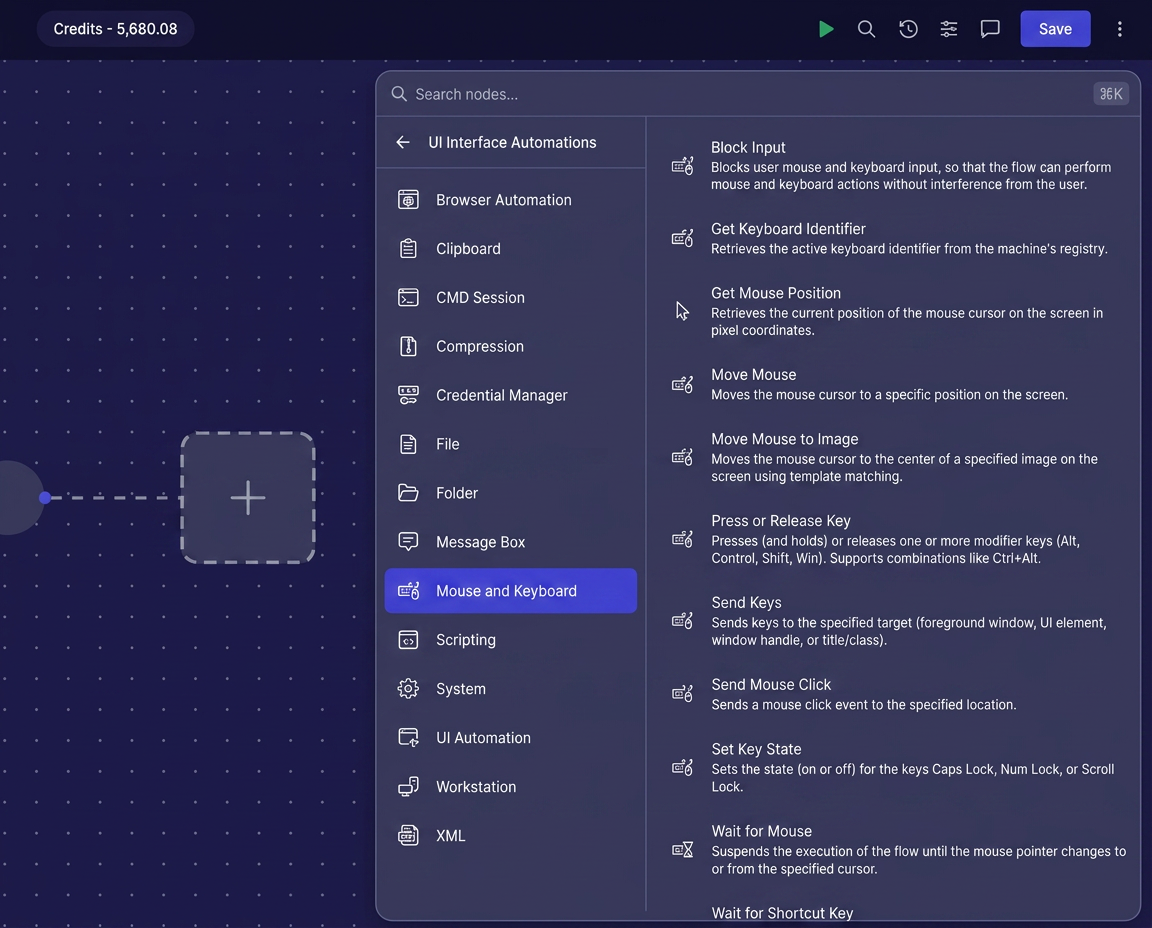
Mouse & Keyboard
Simulate human actions including clicks, typing, shortcuts, scrolling, drag-and-drop, and keyboard navigation. Build automations that work the way people do.
- Precise mouse clicks, movement, and drag-and-drop
- Typing, shortcuts, and keyboard navigation
- Human-like behavior with delays and smart targeting
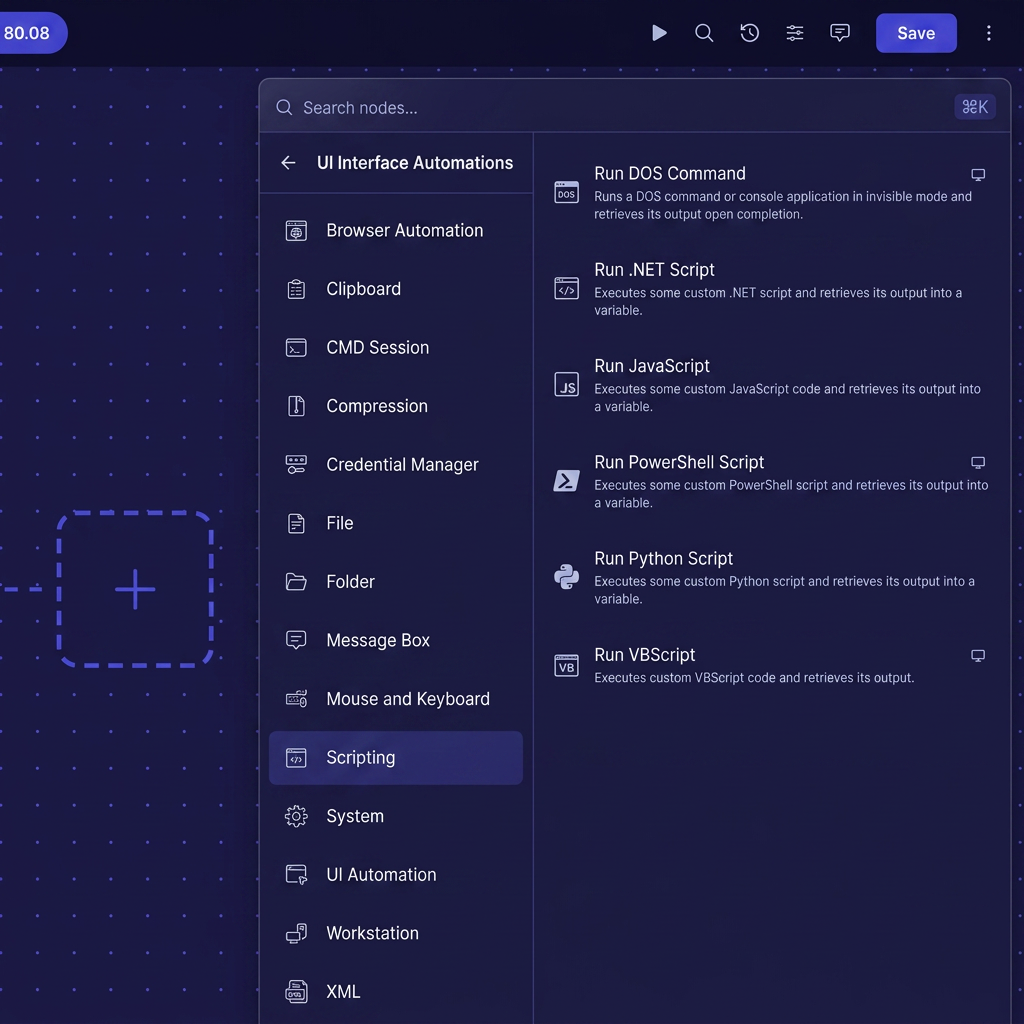
Scripting
Extend automation with JavaScript, Python, PowerShell, Batch, and custom scripts for advanced business logic. Combine code with visual workflows to handle any scenario.
- Support for JavaScript, Python, PowerShell, and Batch
- Reusable script libraries across teams and workflows
- Seamless integration between code and visual automation
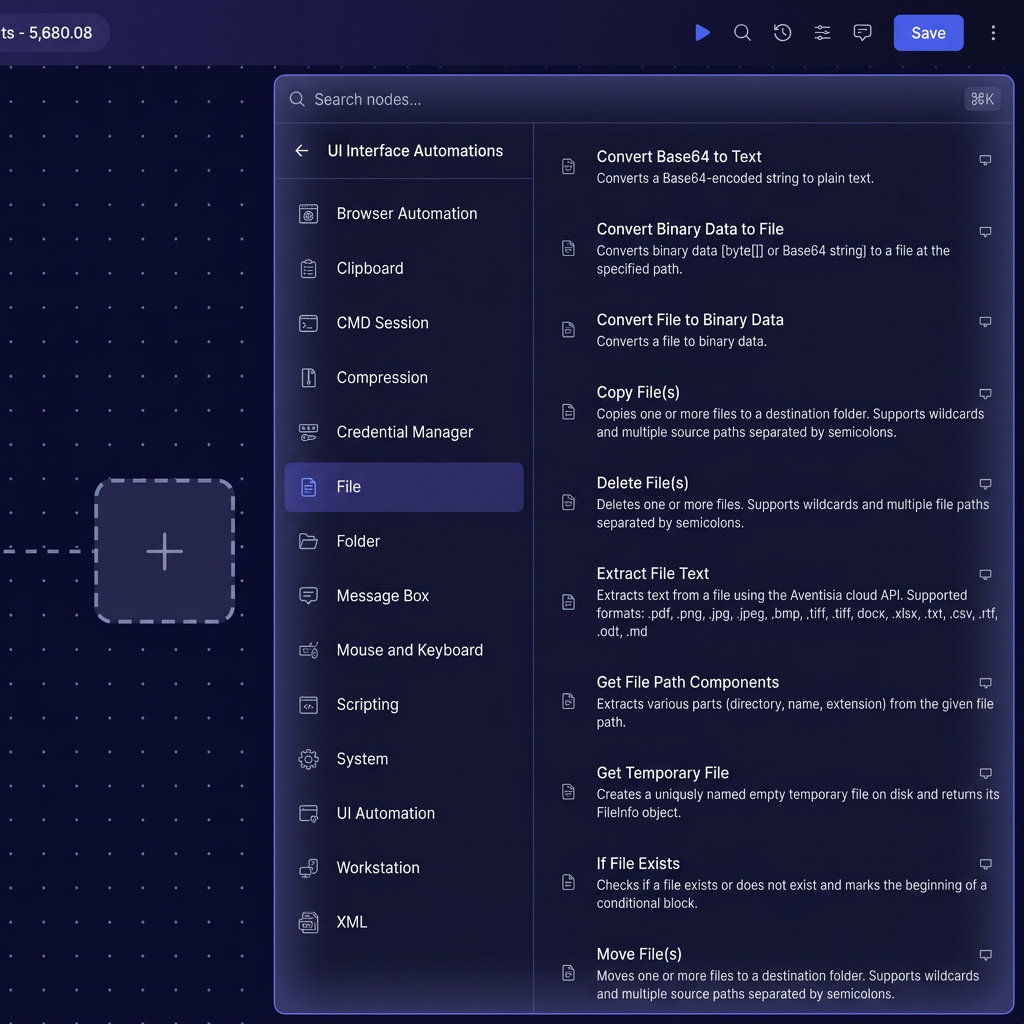
Files & Folders
Create, copy, move, rename, compress, extract, monitor, and manage files and folders across local and network locations. Automate document processing across shared drives, FTP, and cloud storage.
- Automate file creation, copying, moving, and renaming
- Compress, extract, and archive files automatically
- Monitor folders and trigger workflows on file changes
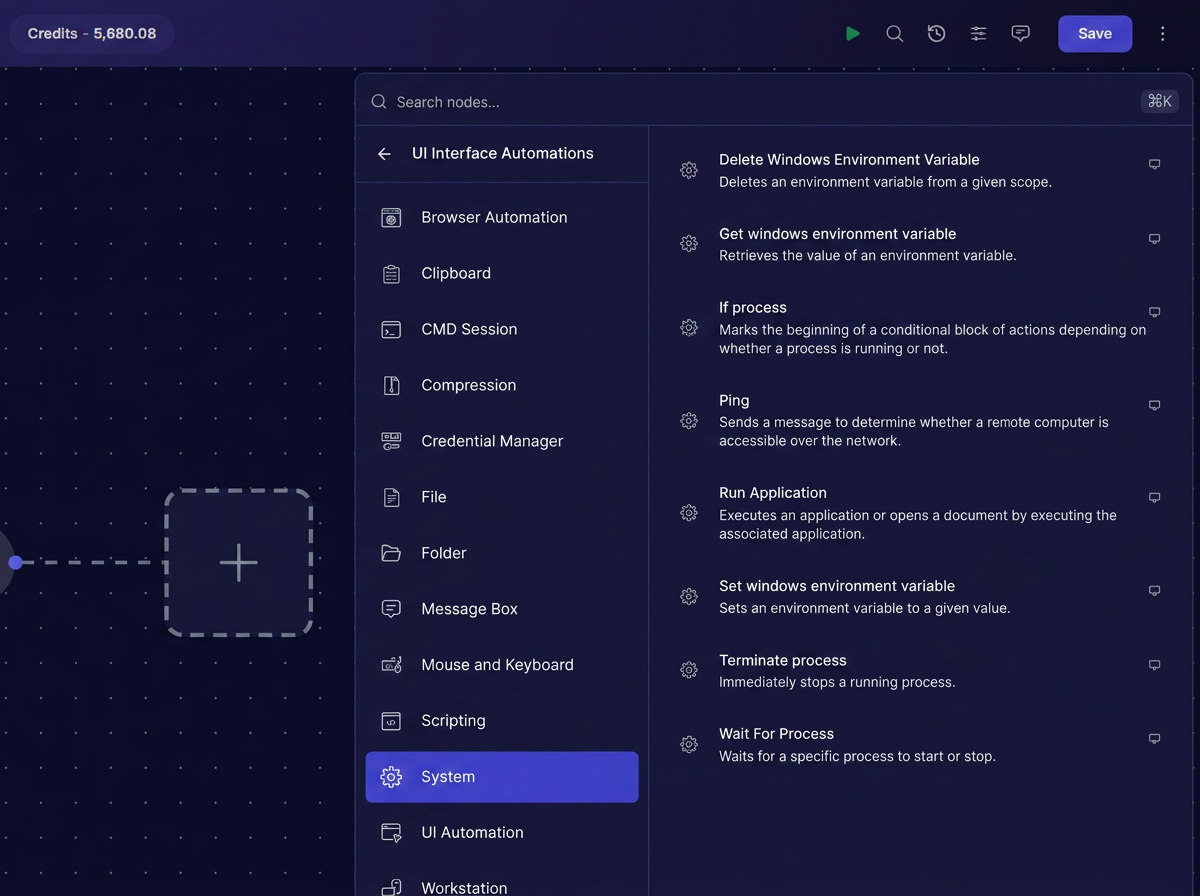
System Commands
Execute command-line operations, shell scripts, PowerShell commands, and operating system utilities with ease. Bridge the gap between legacy scripts and modern automation.
- Run shell, PowerShell, and command-line scripts
- Capture output, errors, and exit codes for workflow logic
- Secure execution with controlled permissions and logging
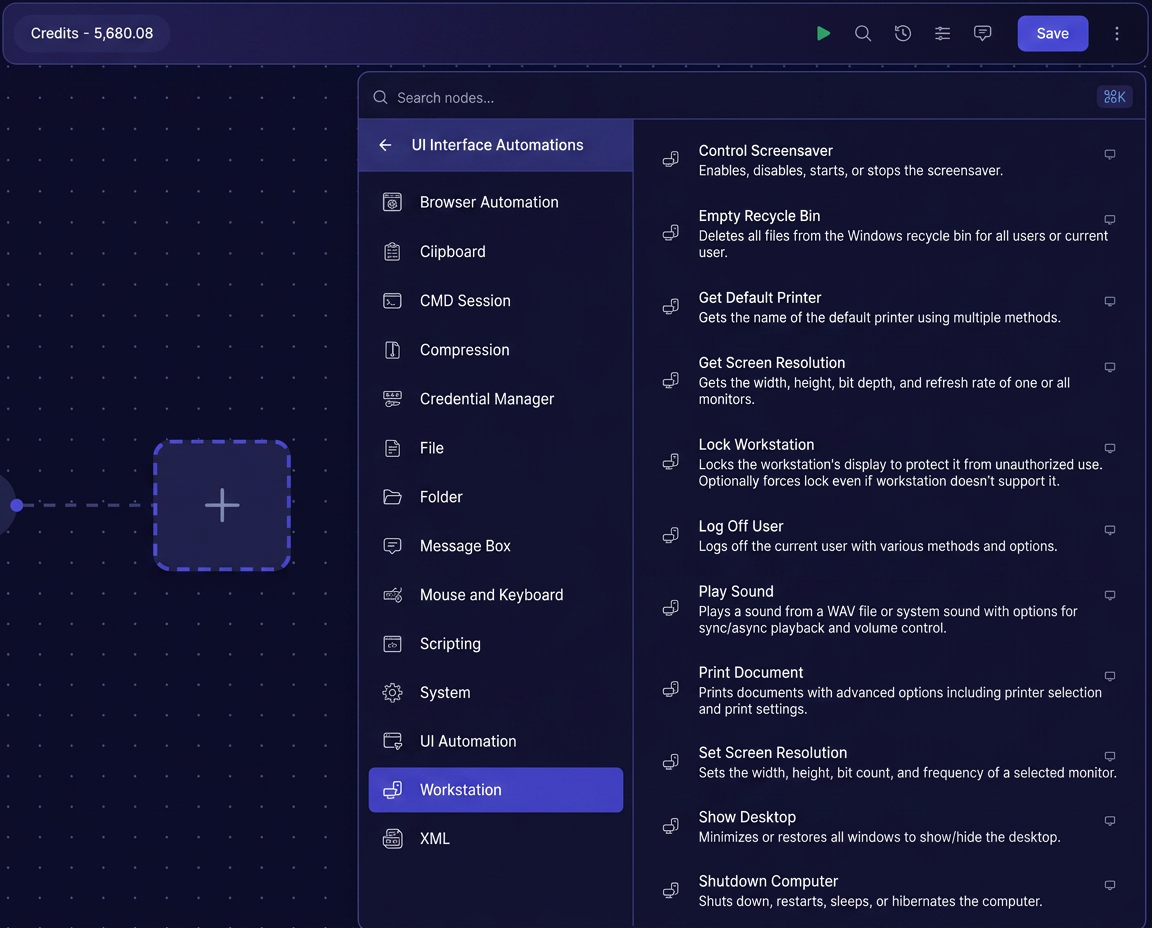
Workstation Controls
Control workstation settings and system resources, including lock/unlock, shutdown, restart, sleep, display settings, clipboard, and other operating system functions. Manage the full environment your automations run in.
- Control lock, unlock, sleep, shutdown, and restart
- Manage display, clipboard, and system settings
- Optimize resource allocation for unattended automation
Automate the systems that power your business
Get started with Avintra for free, or talk to our team about automating web, desktop, and legacy applications.